Windows 10
To setup the Ethernet on Windows 10 ready for the ECU connection use the following steps.

- Left Click Windows Icon - Bottom Left corner
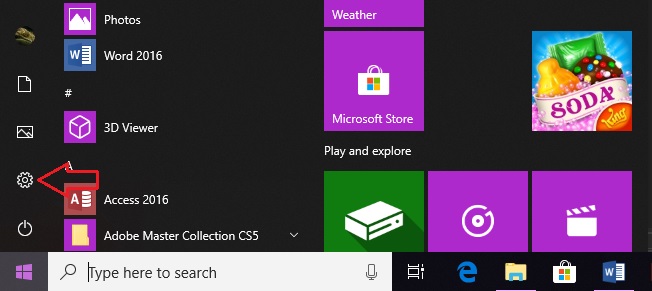
- Left Click Settings Icon - 2nd from bottom on Left
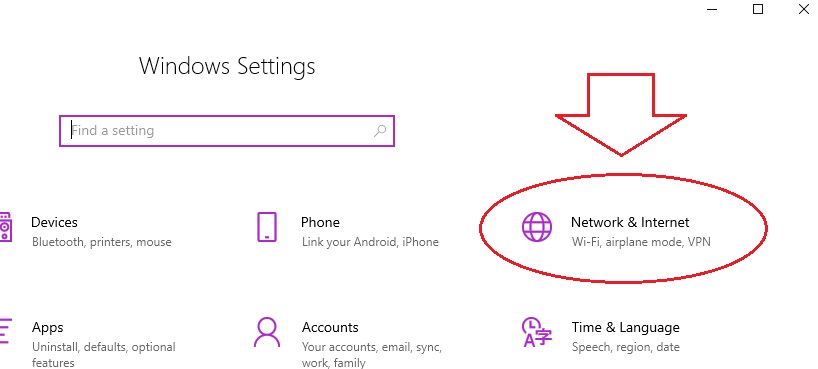
- Left Click "Network & Internet" - Top Right

- Left Click "Ethernet" - 4th from Top on the Left
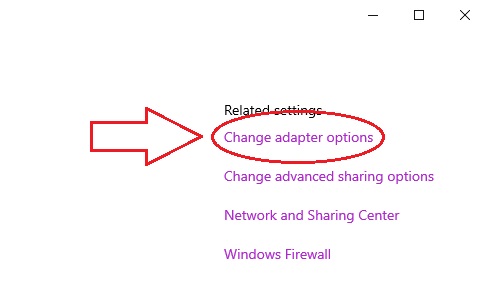
- Left Click "Change Adapter Options" - Top Right

- Right Click "Ethernet"
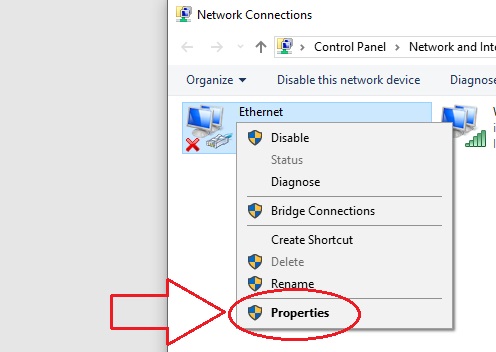
- Left Click "Properties"

- Select "Internet Protocol Version 4 (TCP/IPv4) and Left Click "Properties"
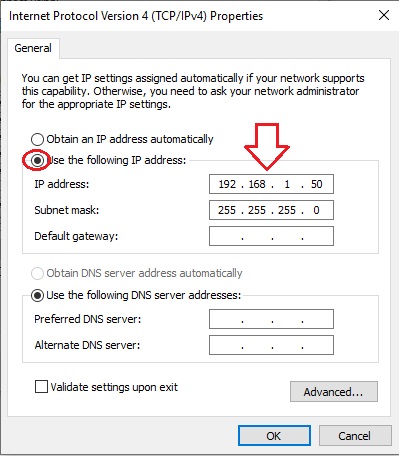
- Use the following IP address
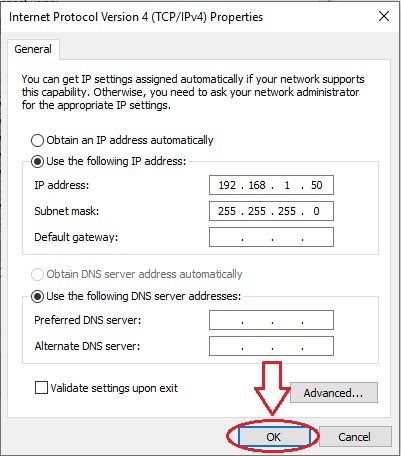
- Left Click "OK" and exit, the process is complete
- Done. Connect the Emtron Ethernet cable.