Connecting the ECU
Connecting the ECU
Communication Cable
The Emtron proprietary communication cable translates standard high speed Ethernet to a Lemo connector that feeds directly into the ECU header.
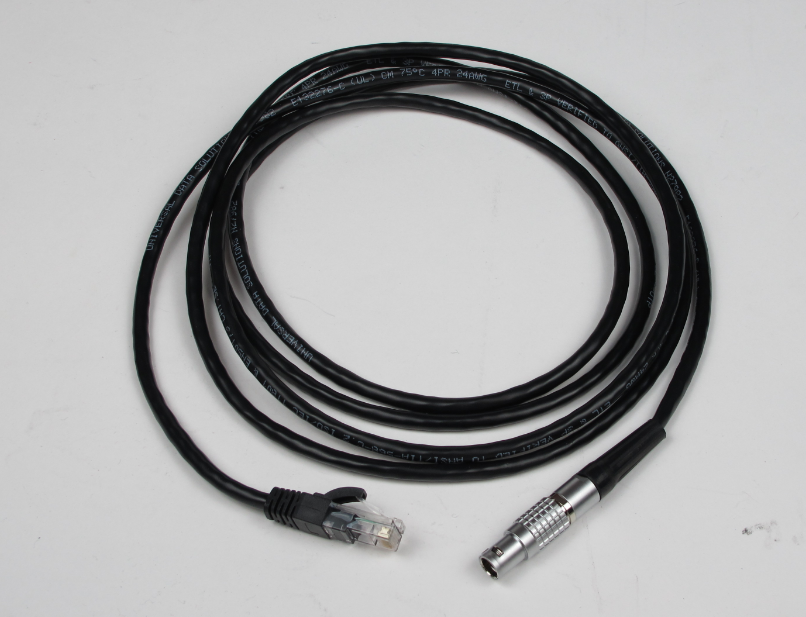
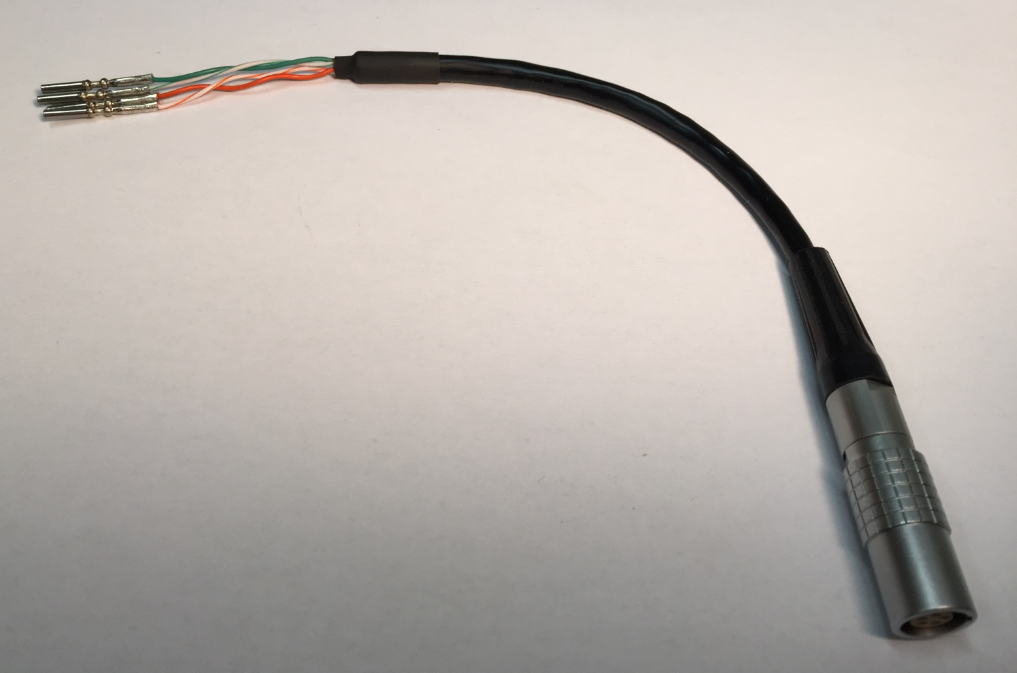
The pin configuration for the Lemo receiver is as follows.
SL series

Green/White – B31 (TX+)
Green – B32 (TX-)
Orange/White – B33 (RX+)
Orange – B34 (RX-)
KV series
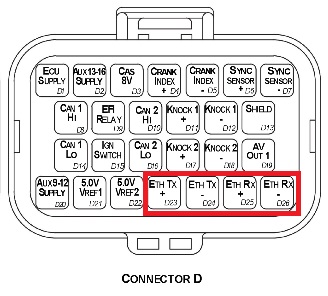
Green/White – D23 (TX+)
Green – D24 (TX-)
Orange/White – D25 (RX+)
Orange – D26 (RX-)
IP Config
The Emtune software will communicate to the ECU over a static IP address.
Set your IP and subnet to the following on the Ethernet port you will be using on your PC.
IP : 192.168.1.50
Subnet : 255.255.255.0
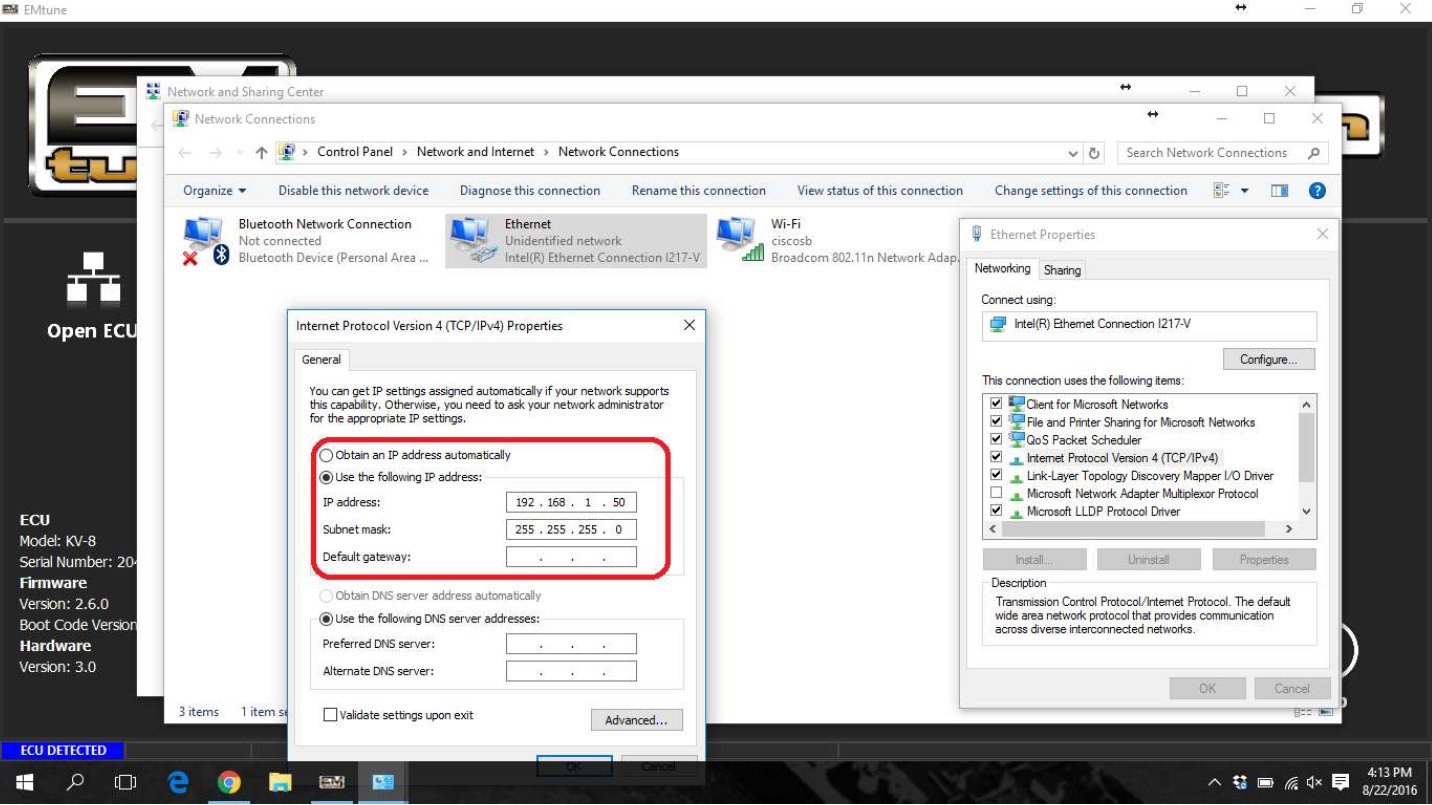
With successful connection, the Emtune Welcome screen will display “ECU DETECTED” in blue in the bottom left corner as can be observed in the background in the above example.